Multi-tab UI
Independent SSH sessions per tab, with ViewPager2. Connection-status dot (green / yellow / red) on each tab, long-press rename, close confirmation while connected.
Android · GPL-3.0 · 1.1.23
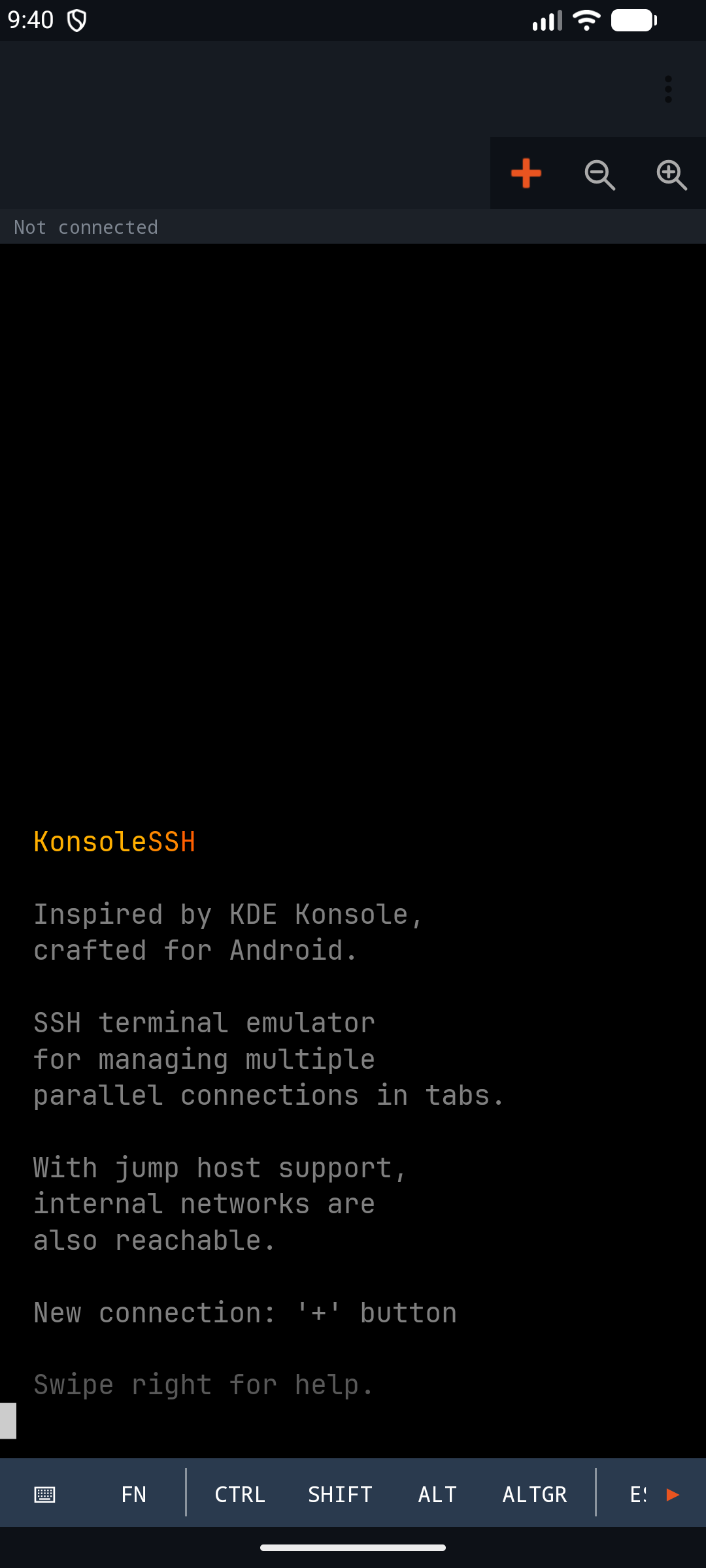
Multi-tab SSH terminal for Android — inspired by KDE Konsole.
Independent tabs, each with its own SSH session. Jump host, SFTP upload, encrypted connection profiles, foreground-service-managed connections, Canvas-based VT100 / xterm-256color emulator. The app sends nothing home: credentials stay on the device.

There are plenty of SSH clients on the Play Store, but few that are genuinely built for work. KonsoleSSH brings desktop-terminal logic to the phone, instead of forcing the mobile-app pattern onto SSH.
Swipe between tabs like pages — no need to open menus, just slide a finger to jump to another server's shell. Each tab carries a small status LED: green when connected, yellow when connecting, red when disconnected. One glance tells you which session is in trouble.
When a connection drops — because Wi-Fi changed, the phone fell back to mobile data, or the jump host timed out — the tab doesn't close on its own: a ↺ button appears in the middle, and one tap reconnects to the same host with the same profile. The output buffer replays so you can see what happened earlier.
The on-screen key bar carries built-in key combinations — exactly the ones tmux likes: Ctrl, Alt, Shift, AltGr as sticky modifiers, a dedicated Ctrl-combo row (Ctrl+A, Ctrl+B, Ctrl+C, Ctrl+D, Ctrl+V, Ctrl+Z), an arrow row, and an F1–F12 row — everything you need after the tmux prefix or for window-switching. vi and htop render correctly via the alt-screen buffer, and the jump host works even when the target sits on a private network.
Independent SSH sessions per tab, with ViewPager2. Connection-status dot (green / yellow / red) on each tab, long-press rename, close confirmation while connected.
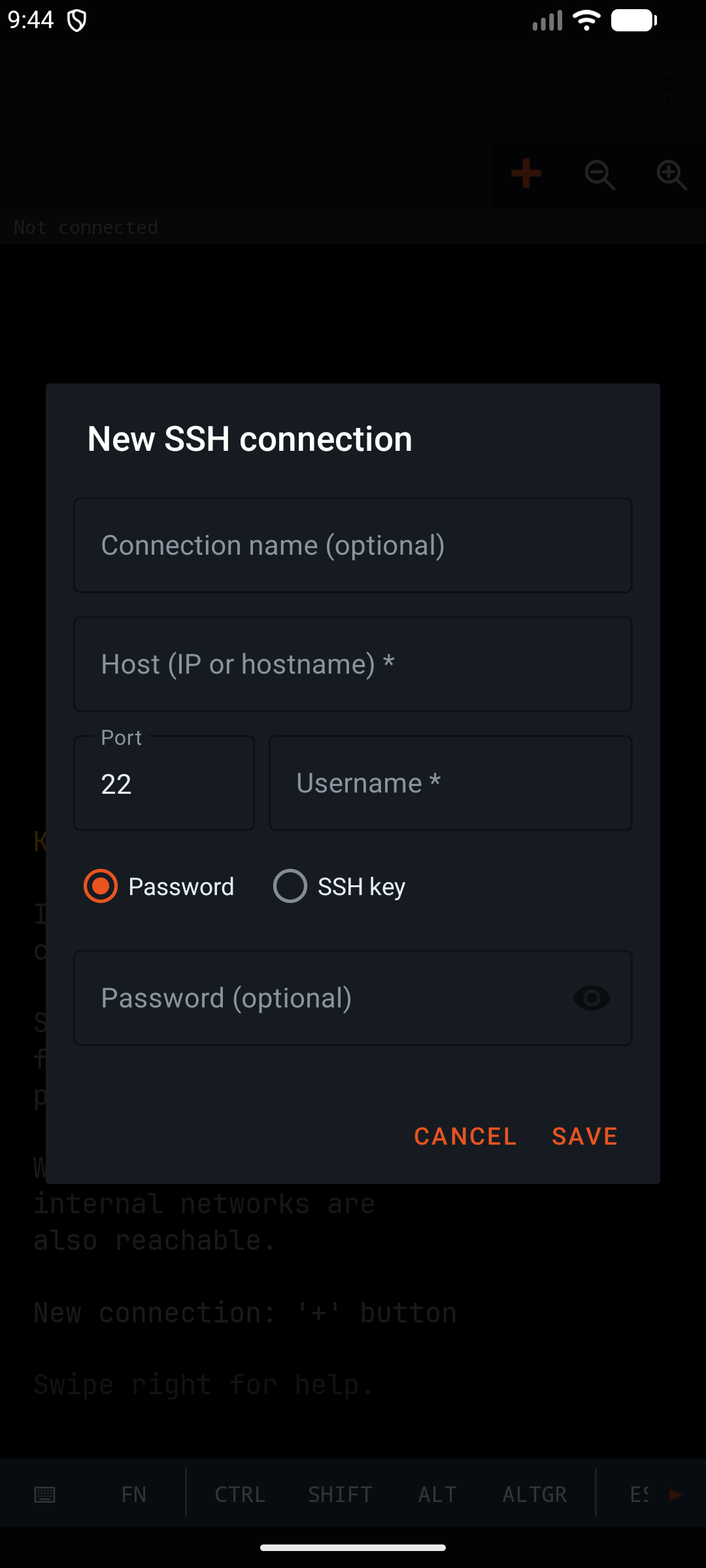
Pick a gateway from your saved connections, with local port forwarding. When an internal address range is detected (10. / 172. / 192.), the jump section opens automatically in the new-connection dialog.
Saved connections are stored via AndroidX Security EncryptedSharedPreferences: AES-256-GCM for values, AES-256-SIV for keys, with an Android Keystore-backed MasterKey.
The folder icon on the key bar opens a file picker, and the upload is tracked with a progress bar. After a successful upload an Undo button appears in the toast — one tap removes the remote file.
Custom TerminalView: 256 colours + truecolor, bold, underline, reverse, scroll region, alt-screen (vi, top, less, mc), DECCKM app-cursor mode, bracketed paste. Bundled NerdFont, 3000-line scrollback.
Sessions are owned by SshForegroundService, not by the fragment. Connections survive activity restarts, rotation, and task removal. The output buffer (256 KB / session) replays when the fragment binds.
Sticky Ctrl, Shift, Alt, AltGr modifiers. Expandable Fn row (F1–F12), arrow row, dedicated Ctrl-combo row (A/B/C/D/V/Z). Full hardware keyboard support, app-cursor mode aware.
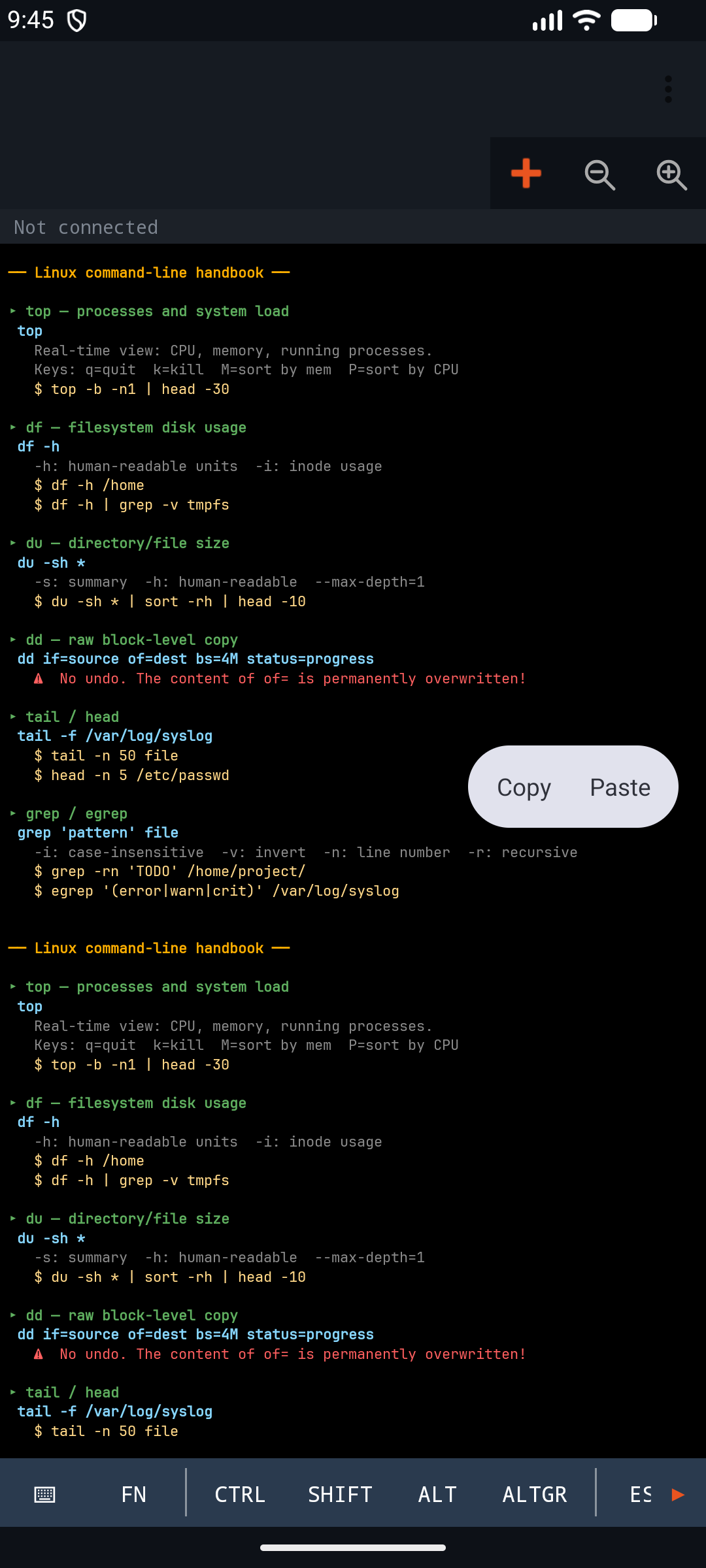
Long-press text selection with a floating ActionMode (Copy / Paste). A separate in-app clipboard for Ctrl+C / Ctrl+V, so it doesn't mix with the system clipboard.
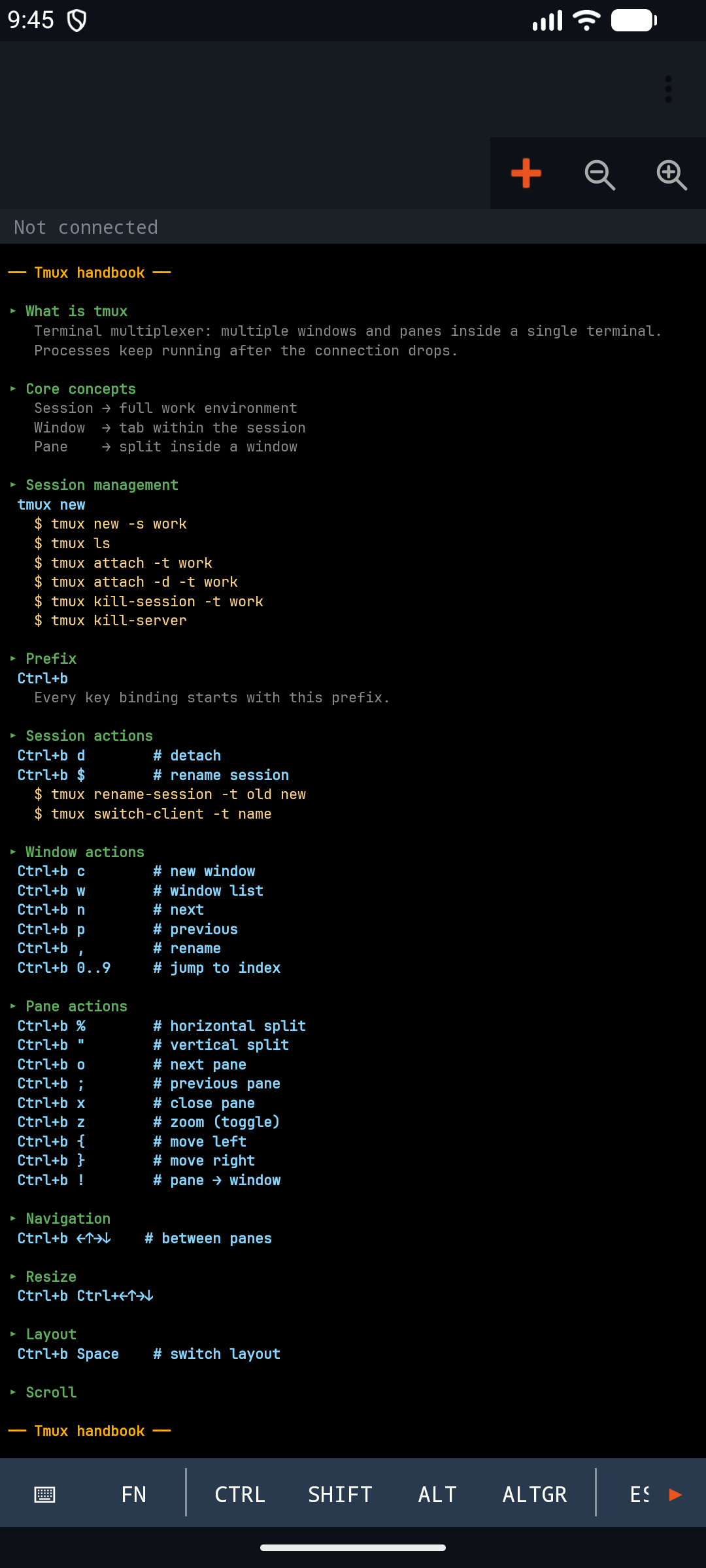
Built-in Linux and tmux quick reference. Localised content in English and Hungarian, not just translated labels. Destructive commands (dd, sed -i) marked with a warning icon.
Saved profiles cluster automatically by underscore prefixes: acme_prod_web, acme_prod_db → acme_ → prod_. A single leaf is not folded into a group.
English (default), Hungarian, German, Spanish, French, Slovak, Romanian. Follows the system language; layout is RTL-ready.
No data collection, no telemetry. Credentials never leave the device. The source code is open under GPL-3.0 — verifiable.
Click any image to enlarge — click again to close.
hu.billman.konsolesshThe app is currently in closed testing on the Google Play Store. The installer can only be downloaded by registered testers — the Play Store link only works for enrolled email addresses.
If you would like to try it and send feedback, apply via the contact form — it is important to provide the email address you use to sign in to Google Play, because tester access is bound to that account. Within a few days you will be added to the tester list, after which the download becomes available.